

YOU HAVE THE DESIGN.
THE LOGO. THE BRAND ELEMENTS.
Now you need to present it.
And that's where it can get tough.
THE LOGO. THE BRAND ELEMENTS.
Now you need to present it.
And that's where it can get tough.
Perfect mockups are hard to find.
AI tools distort the details.
You end up redoing it from scratch,
or settling for something that's just...
AI tools distort the details.
You end up redoing it from scratch,
or settling for something that's just...
And you spend more time on it than you wish:(
What if the mockup you envision is within reach?
SEE WHAT'S POSSIBLE:
HELLO, MOCKUPS WITH AI
CRASH COURSE.
CRASH COURSE.
WHAT IS THIS COURSE:
A practical, step-by-step crash course showing you the exact workflow
I use to create custom mockups using AI that's quick, easy and accurate.
I use to create custom mockups using AI that's quick, easy and accurate.
INSIDE YOU'LL LEARN:
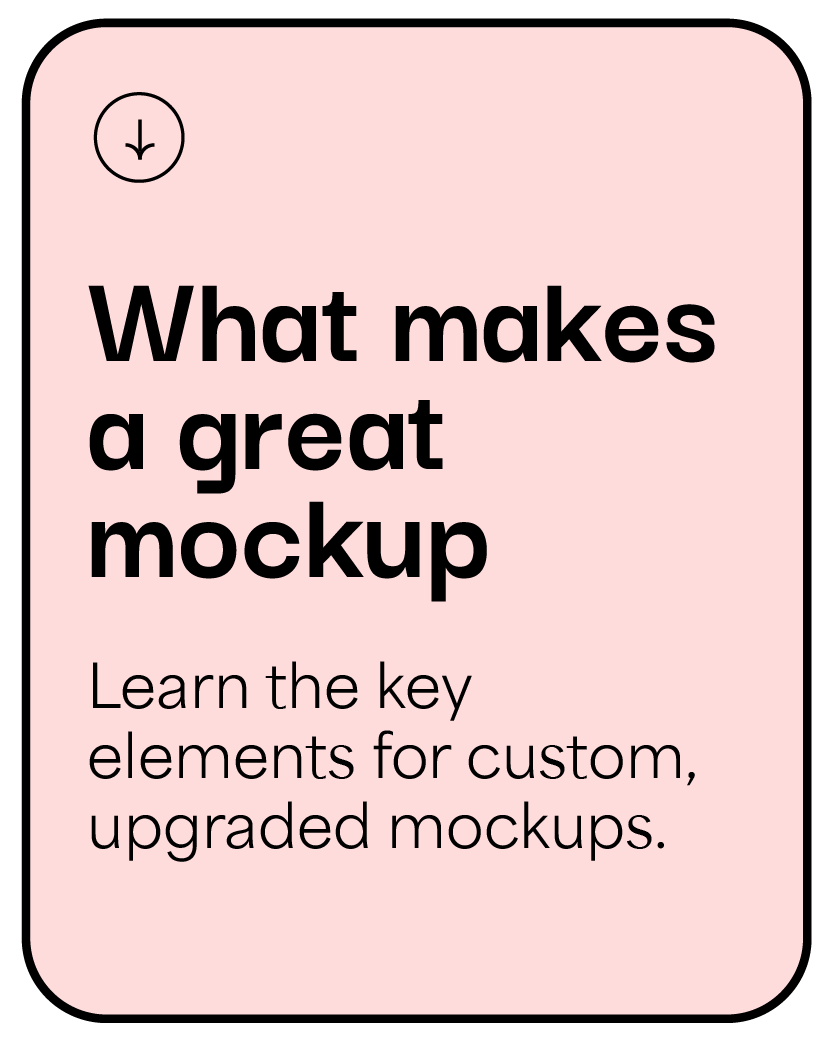
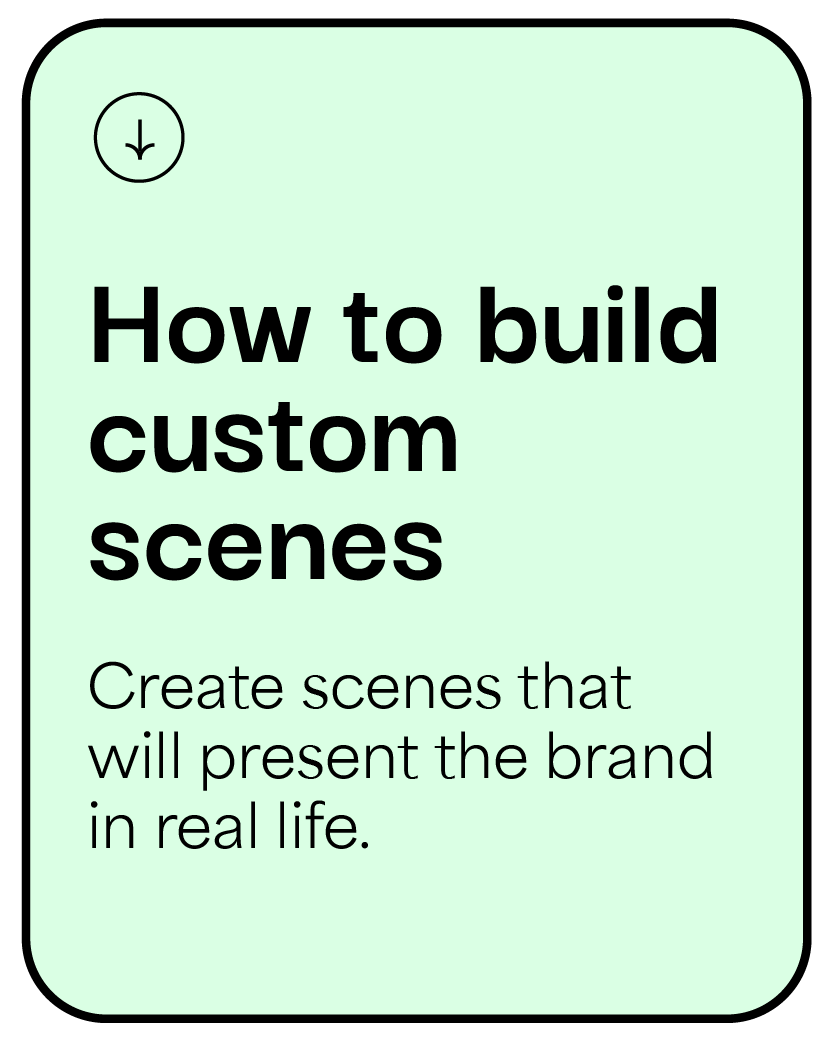
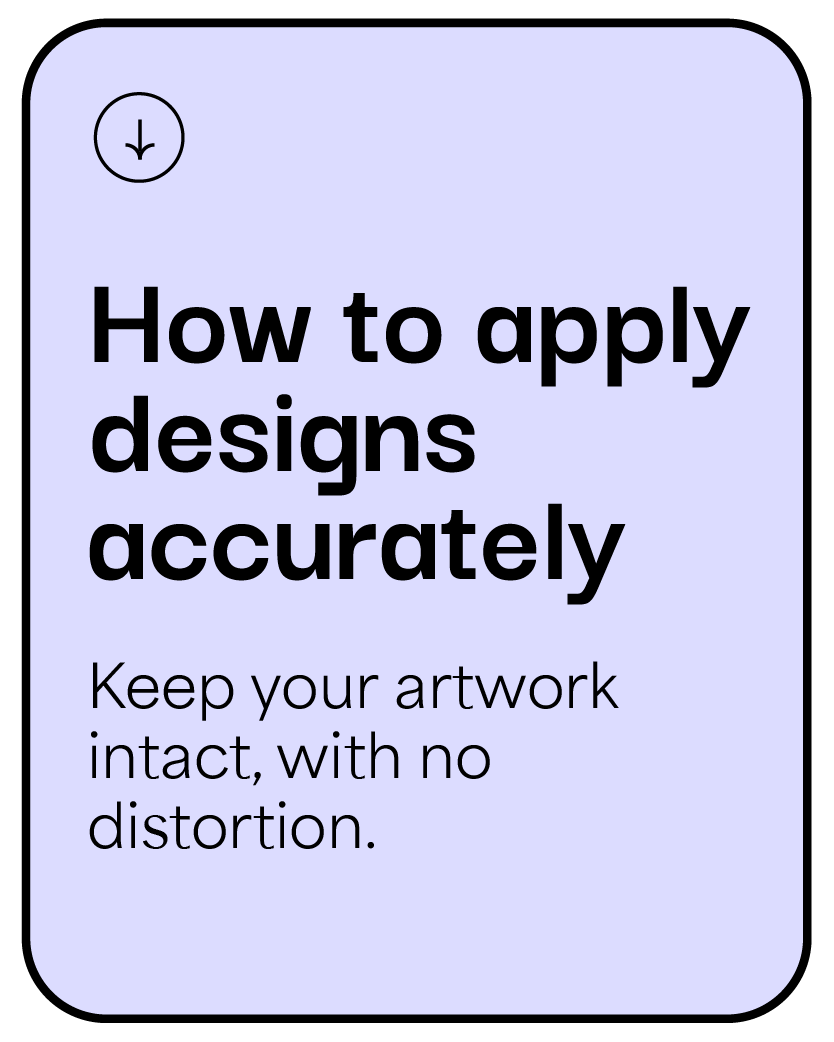
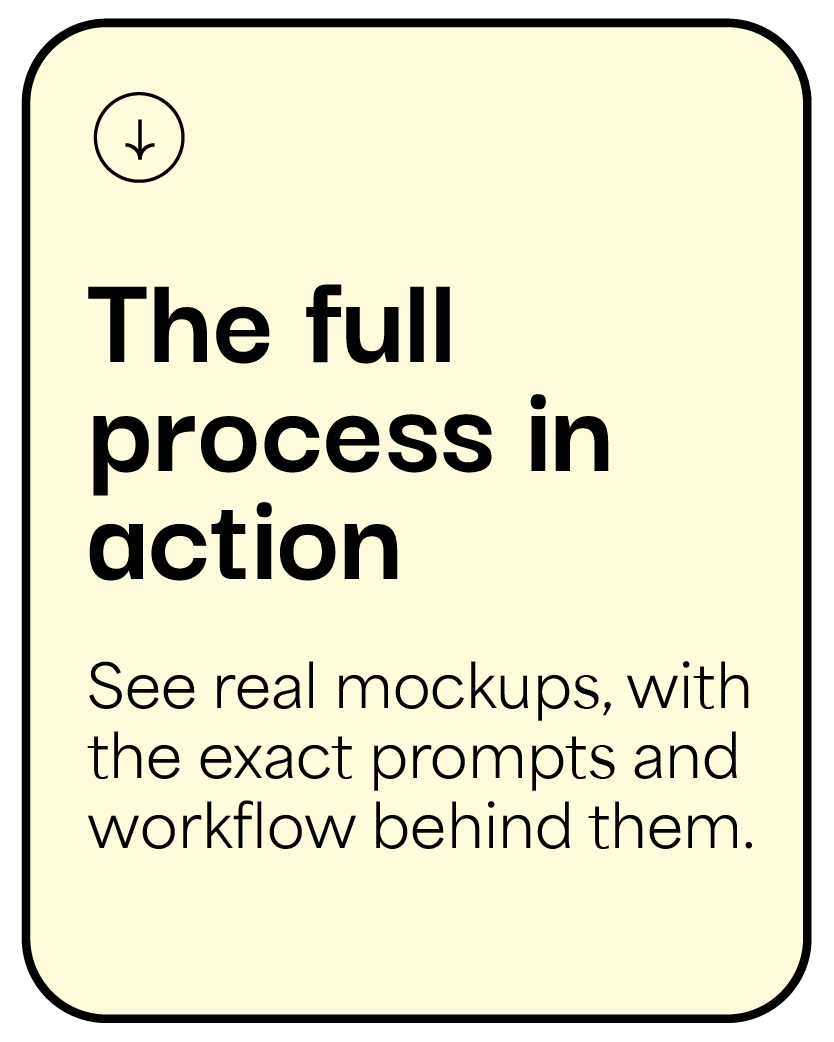
YOUR TAKEAWAY:
- A repeatable workflow you can use on any brand, any time.
- Full creative freedom to create accurate mockups with no distortion in less time.
- Elevated presentations with realistic, cohesive brand visuals-
“Ruchy is a master at creating AI mockups that look custom and super realistic.
Her process is clear and easy to follow, and the results are amazing. This is an incredible opportunity for any designer looking to elevate their mockups!”
— Chani Gorelick, Graphic Designer
Her process is clear and easy to follow, and the results are amazing. This is an incredible opportunity for any designer looking to elevate their mockups!”
— Chani Gorelick, Graphic Designer
MOCKUPS I'VE CREATED WITH THIS WORKFLOW, IN JUST MINUTES:
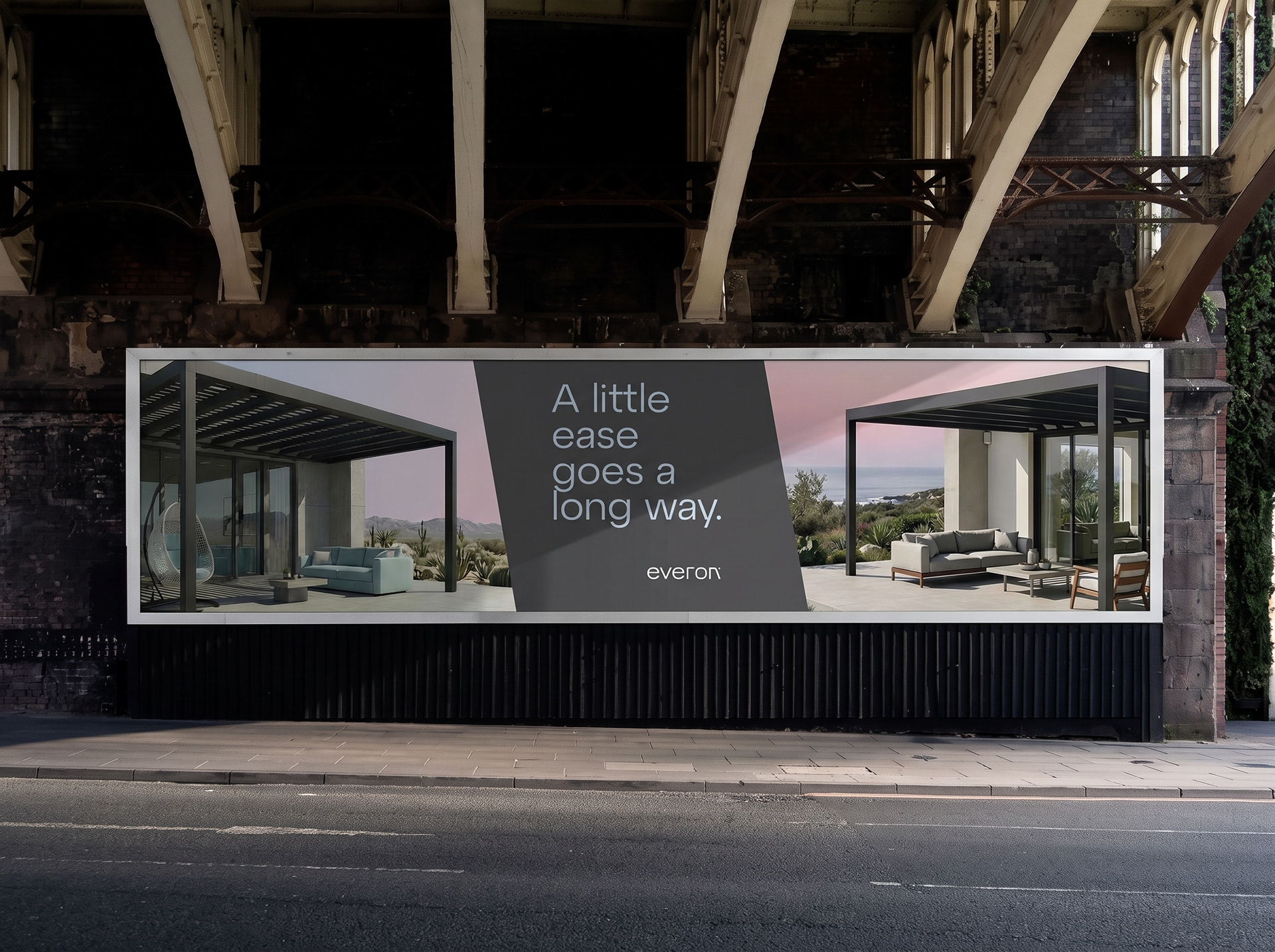

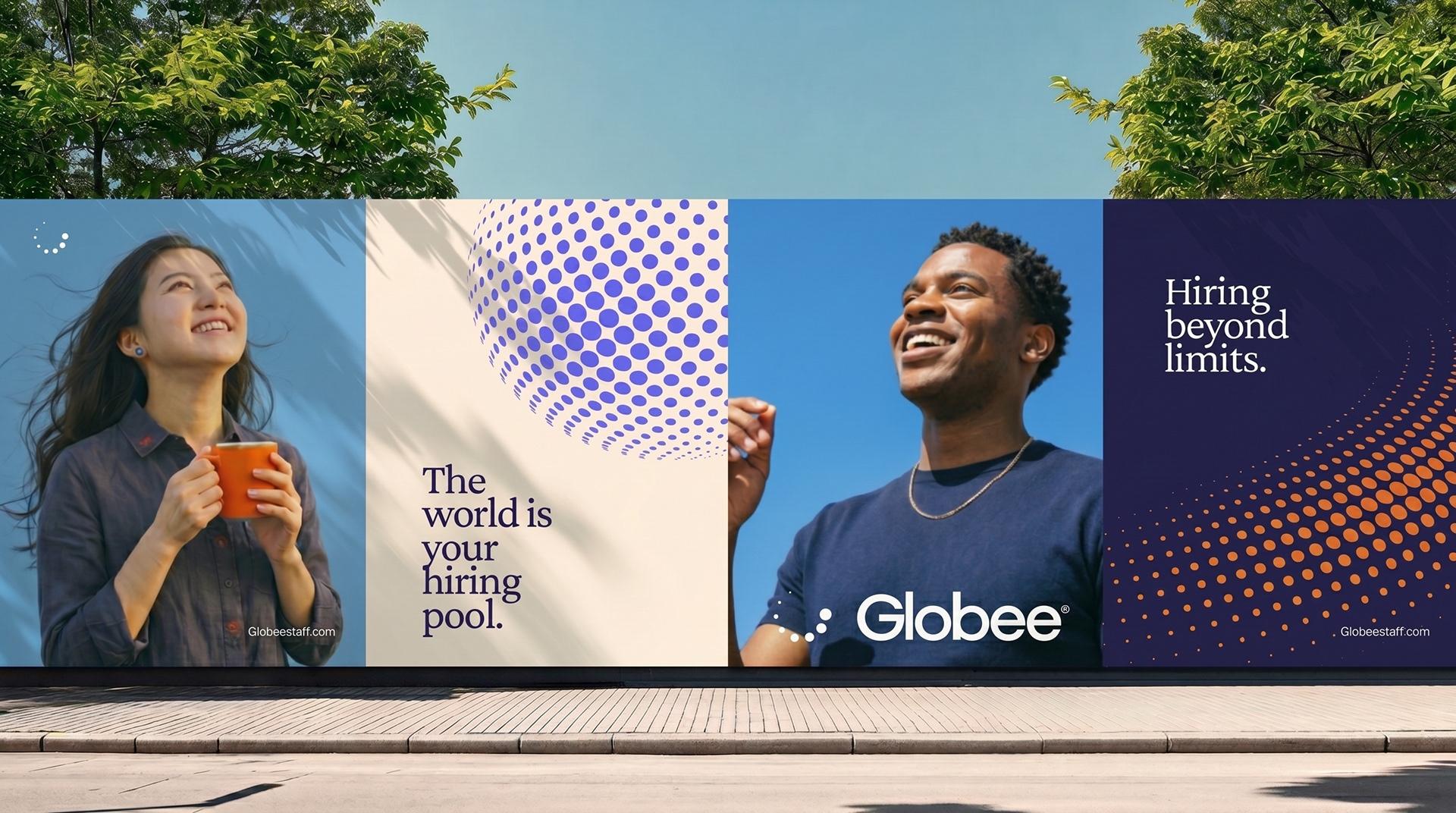

HI, I'M RUCHY!
Like many designers, I wanted a faster, easier way to use AI to create custom mockups that truly align with the brand, without the usual AI mess.
I experimented until I found a process that actually works. After using it across dozens of mockups for agency projects and my own clients, it’s become a go-to part of my branding workflow.
And honestly? I haven’t looked back at traditional mockups since.
Now I’m sharing the process with you, so you can create custom mockups that elevate your brand presentations without spending hours making them happen.
MORE MOCKUPS I'VE CREATED WITH THIS WORKFLOW:


YEP. THE MOCKUP YOU ENVISION IS WITHIN REACH.
READY TO LEARN HOW?


FAQ:
Do I need to be experienced with AI to take this course?
Not at all. The course walks you through the workflow step by step, so you can follow along even if you're new to creating AI mockups.
Not at all. The course walks you through the workflow step by step, so you can follow along even if you're new to creating AI mockups.
How is this different from just prompting an AI image generator myself?
This isn't trial-and-error — it's a repeatable process for getting realistic results every time, without the distortion or guesswork.
Do I need any special software?
You’ll need access to the (Free) AI tool used in the course and your own designs.
This isn't trial-and-error — it's a repeatable process for getting realistic results every time, without the distortion or guesswork.
Do I need any special software?
You’ll need access to the (Free) AI tool used in the course and your own designs.
What will I get after the course?
You’ll get the full course replay plus a PDF slide deck with the mockup prompts and workflow used behind each mockup, so you can easily revisit and apply the process to your own projects.
You’ll get the full course replay plus a PDF slide deck with the mockup prompts and workflow used behind each mockup, so you can easily revisit and apply the process to your own projects.
Is this course live?
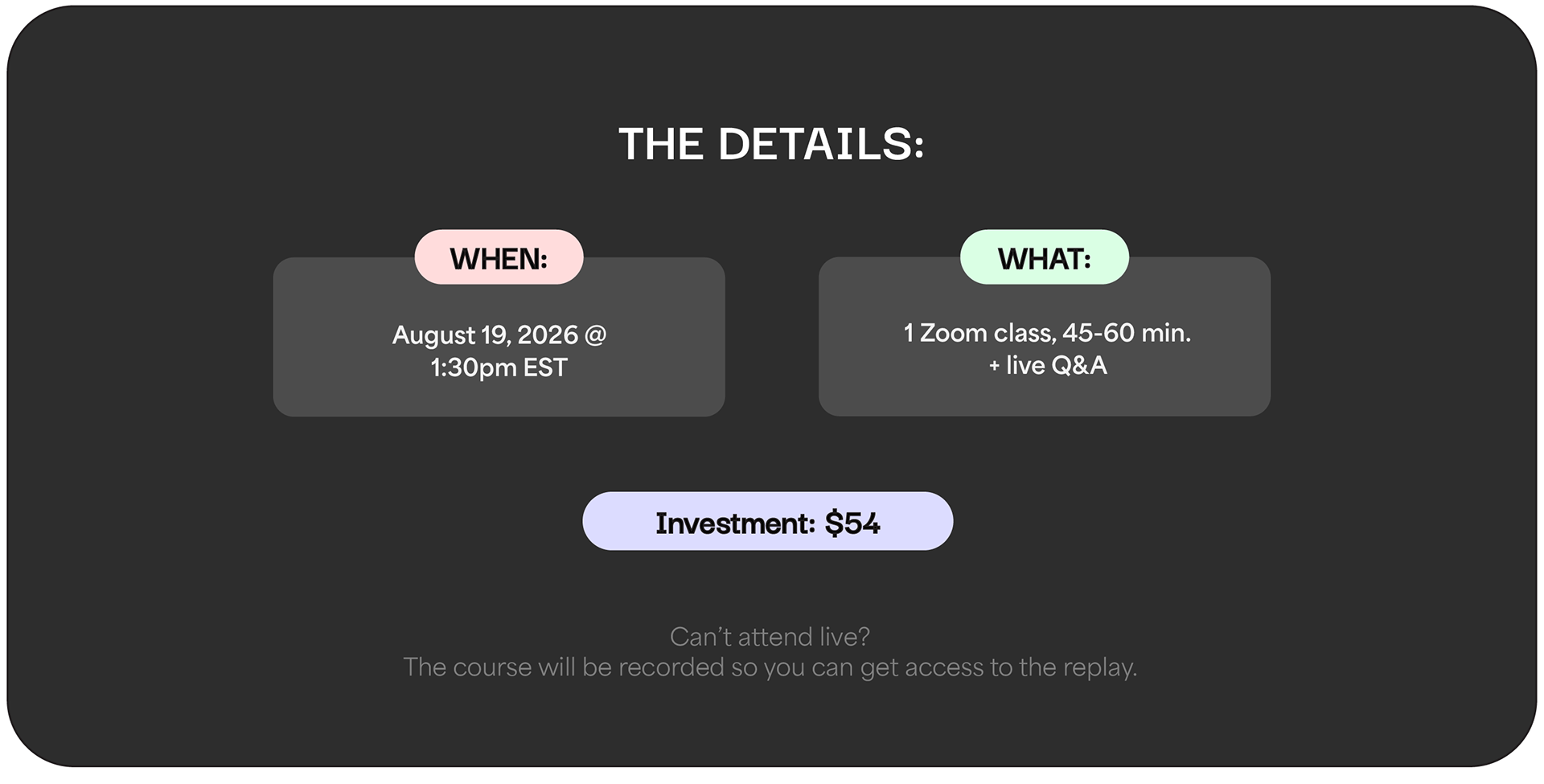
Yes! The course is taught live once, so you can follow along in real time and ask questions. After the live session, the full replay will be available for you to watch anytime.
Yes! The course is taught live once, so you can follow along in real time and ask questions. After the live session, the full replay will be available for you to watch anytime.
Any questions?
Happy to help. Reach out anytime at ruchy@hisolo.co.
Happy to help. Reach out anytime at ruchy@hisolo.co.